

Sapphire's Phantom Link system hides cables behind the GPU using a BTF connector, making PC builds cleaner and easier to manage. This review tests the setup with AMD and Corsair hardware to see how well it solves common cable headaches.
Visible cables used to be a fact of life in high-end PC builds. Sapphire's Phantom Link system changes that, using a BTF connector to route power and data behind the graphics card. The result is a build with no cable mess and no worries about 12VHPWR connectors-just the hardware on display.
Phantom Link stands out because it doesn't force you into a single brand or platform. While many BTF connectors require a full system overhaul, Sapphire's design lets you upgrade at your own pace. If you have the Sapphire X870EA motherboard, you can use the system right away. But even with an older setup, you can install the RX 9070 XT Nitro+ Phantom Link GPU and still get the benefit of hidden cables. This kind of flexibility is rare in a market where upgrades often mean replacing everything.
Unboxing the Phantom Link build
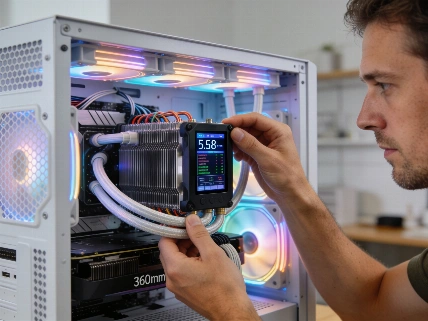
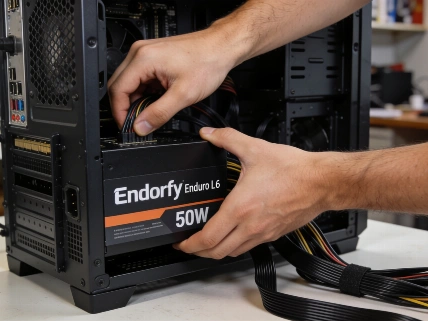
To show what Phantom Link can do, Sapphire and Corsair built a demo system with AMD's Ryzen 7 9800 X3D and the Sapphire Radeon RX 9070 XT Nitro+ Phantom Link GPU. The parts are housed in a Corsair Air 5400 LX-R case, which uses a dual-chamber layout to keep both the CPU and GPU cool. Cooling comes from a Corsair iCUE Titan 360 RX AIO, and a Corsair HX1200i Shift PSU supplies power through the Phantom Link's hidden channels.
The build uses a Corsair Dominator Platinum RGB DDR5 memory kit-an older model, chosen to reflect real-world upgrade paths. A Corsair Xeneon Edge monitor and iCUE LX120 triple fan pack complete the setup, with lighting that highlights the hardware without being over the top. The system is mostly white, with teal (or turquoise) accents that make the components stand out.
ASUS ha confermato che la tecnologia BTF/GC-HPWR sulle schede RTX 5090 di punta consente di raggiungere un consumo fino a 800 W solo se abbinata a una scheda madre compatibile BTF e all'adattatore proprietario ad alta potenza. In assenza di questa configurazione, la modalità 800 W non è dichiarata.
Why cable management matters now
Cable management has long been a weak spot in even expensive PC builds. Early 12VHPWR connectors were known for being fragile and unreliable, making users nervous about moving cables once installed. Phantom Link addresses this by moving all connections to the back of the GPU, out of sight and out of the way. It's not just about looks-it solves a real engineering problem.
Other brands have tried to tackle cable clutter, but few have matched Phantom Link's seamless approach. Because it works with both BTF and standard setups, users aren't forced into a single upgrade cycle. You can add new parts as needed and still keep your build tidy.
Real-world impact and industry context
The Phantom Link build is more than a technical demo-it points to where PC hardware is headed. As seen in recent coverage of compact systems, the market wants innovation that balances performance, looks, and user control. Sapphire's approach stands out because it doesn't force trade-offs.
For Italian PC builders and enthusiasts, the benefits are immediate. Phantom Link offers cleaner, safer, and more flexible builds without the usual compromises. The partnership with Corsair and AMD shows this isn't just a niche experiment-it's a real option for mainstream PC assembly. Phantom Link raises the bar for cable management, and other brands will need to catch up.